
Bring your students or trainees together in one online space where everything happens: presentation, quizzes, whiteboard, chat and documents. A single code to share, nothing to install.
Get started for free →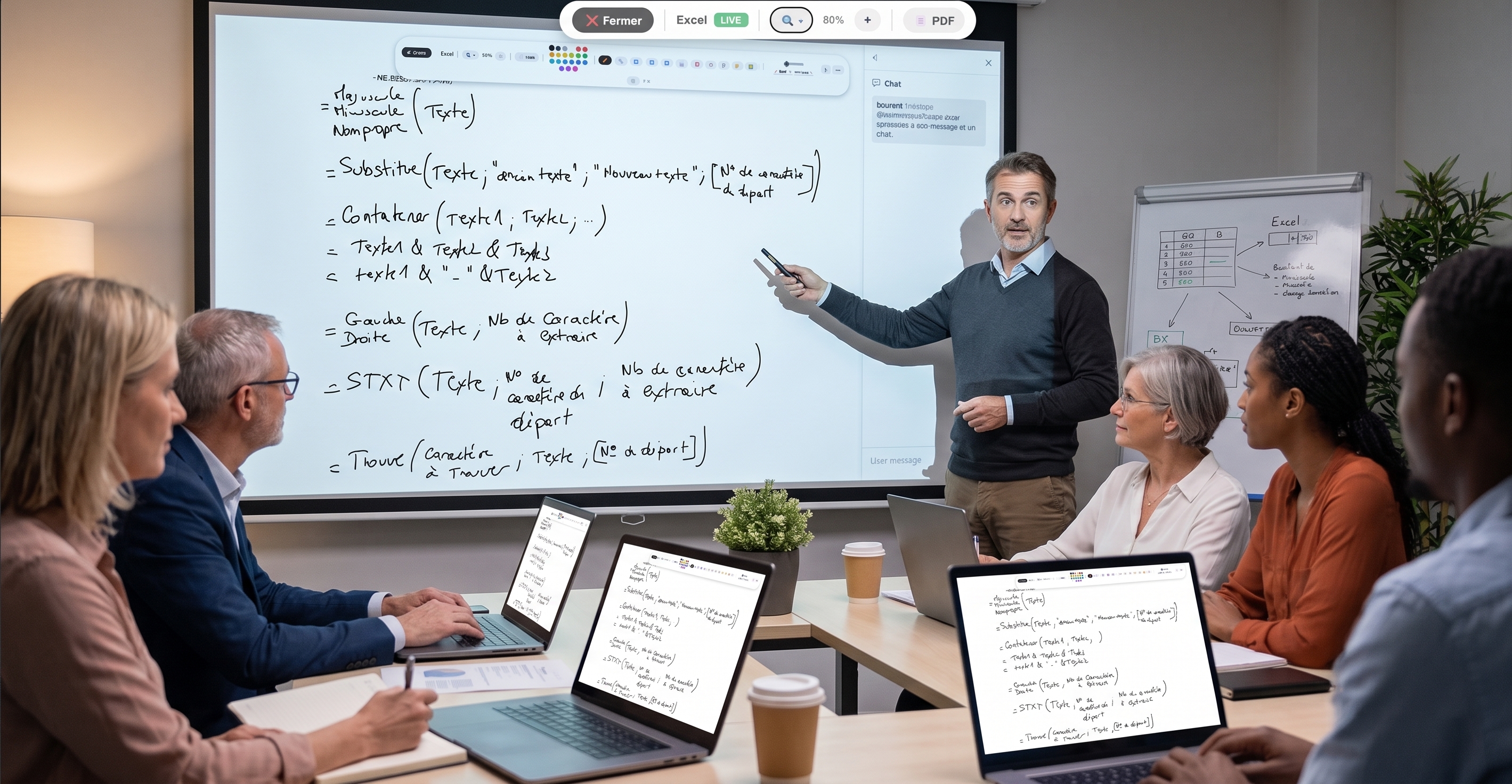
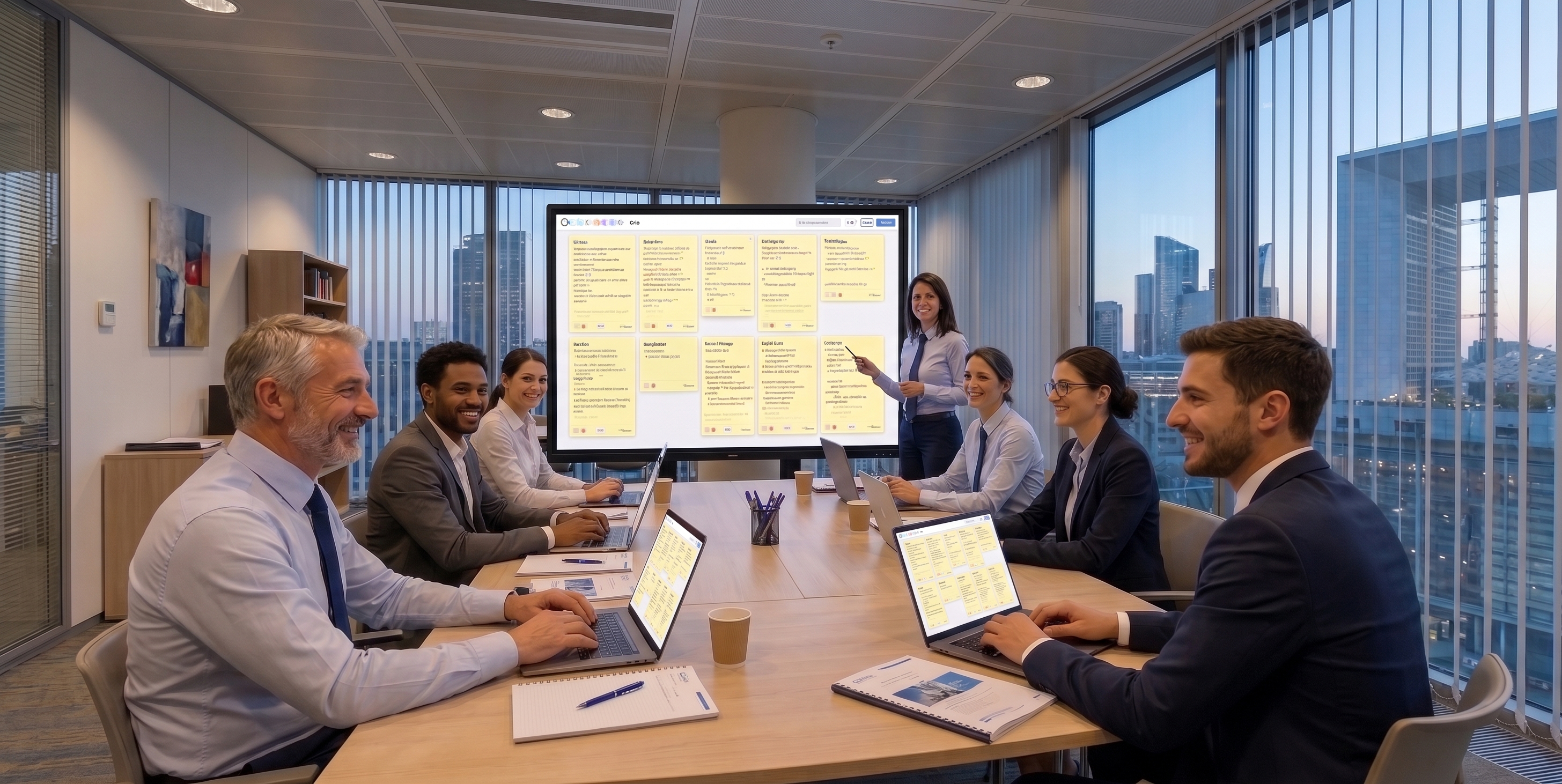
A virtual classroom is an online space that brings a trainer or teacher together with their participants for a teaching session, whether remote or in person. It mirrors the uses of a physical room: presenting, explaining, questioning, getting people involved.
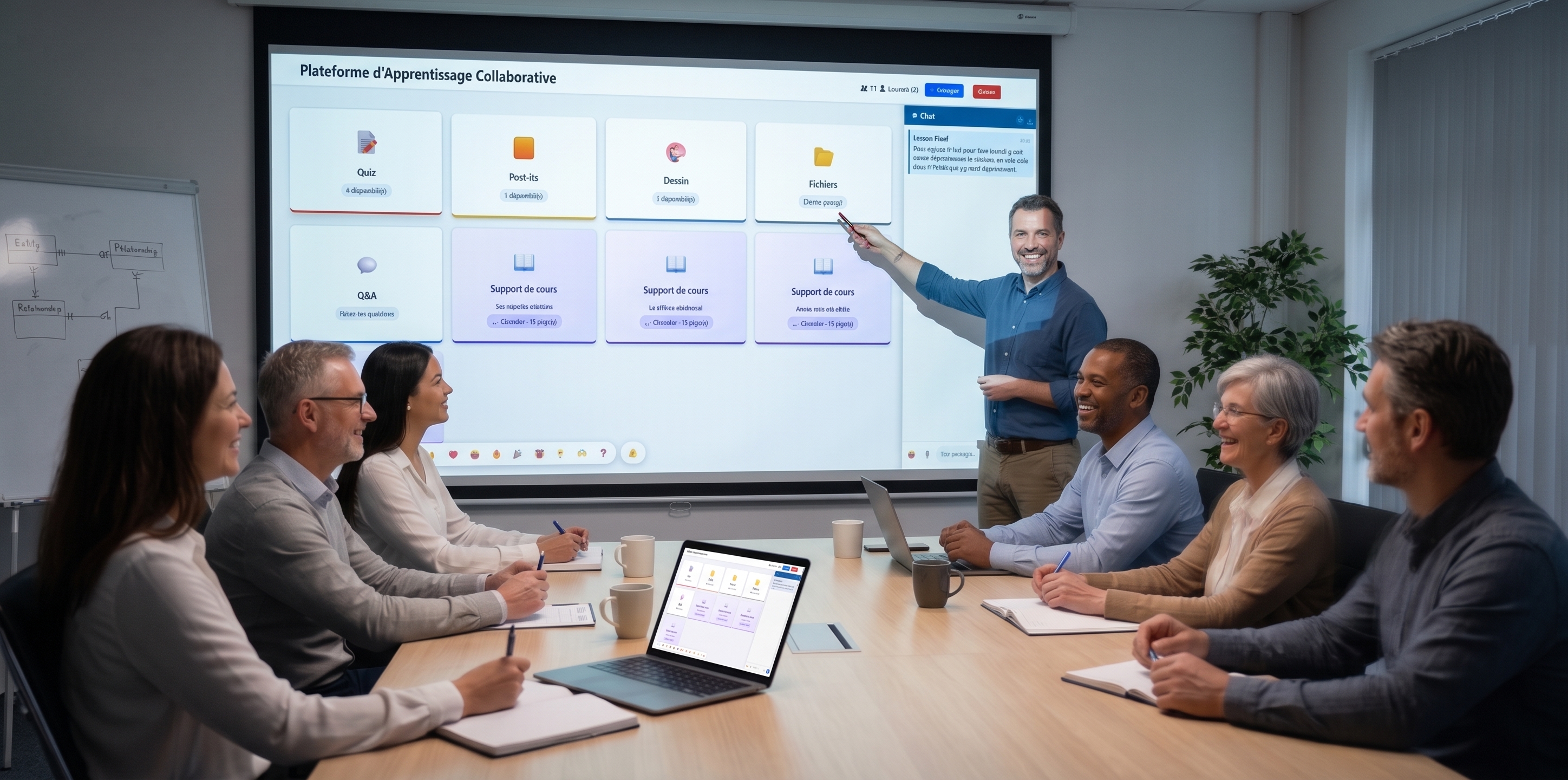
EduTools' virtual classroom gathers synced slides, quizzes, the whiteboard, chat and document sharing in a single interface. You don't need to juggle several apps: everything is in one place.
For an open workshop or a one-off class, the public room lets anyone with the code join. For ongoing teaching, the private room lets you enrol your participants in advance and track their individual progress, session after session.
You can also protect a room with a password, turn the chat on or off, and customise the header with your logo. The virtual classroom adapts to your context, not the other way around.
Present a PDF that everyone follows live, with real-time annotations.
Draw and explain visually; your participants see it instantly.
Talk to the whole room or privately, with no separate messaging tool.
Launch quizzes, polls and games without ever leaving the room.
Make your materials available to participants in one click.
Enrol your students and track their progress over time.
Create your free account in minutes. No credit card, no install required for your participants.
Get started for free →