
Explain visually, annotate, sketch: your online whiteboard appears live on every participant's screen. Freehand drawing, shapes, colours and image import.
Get started for free →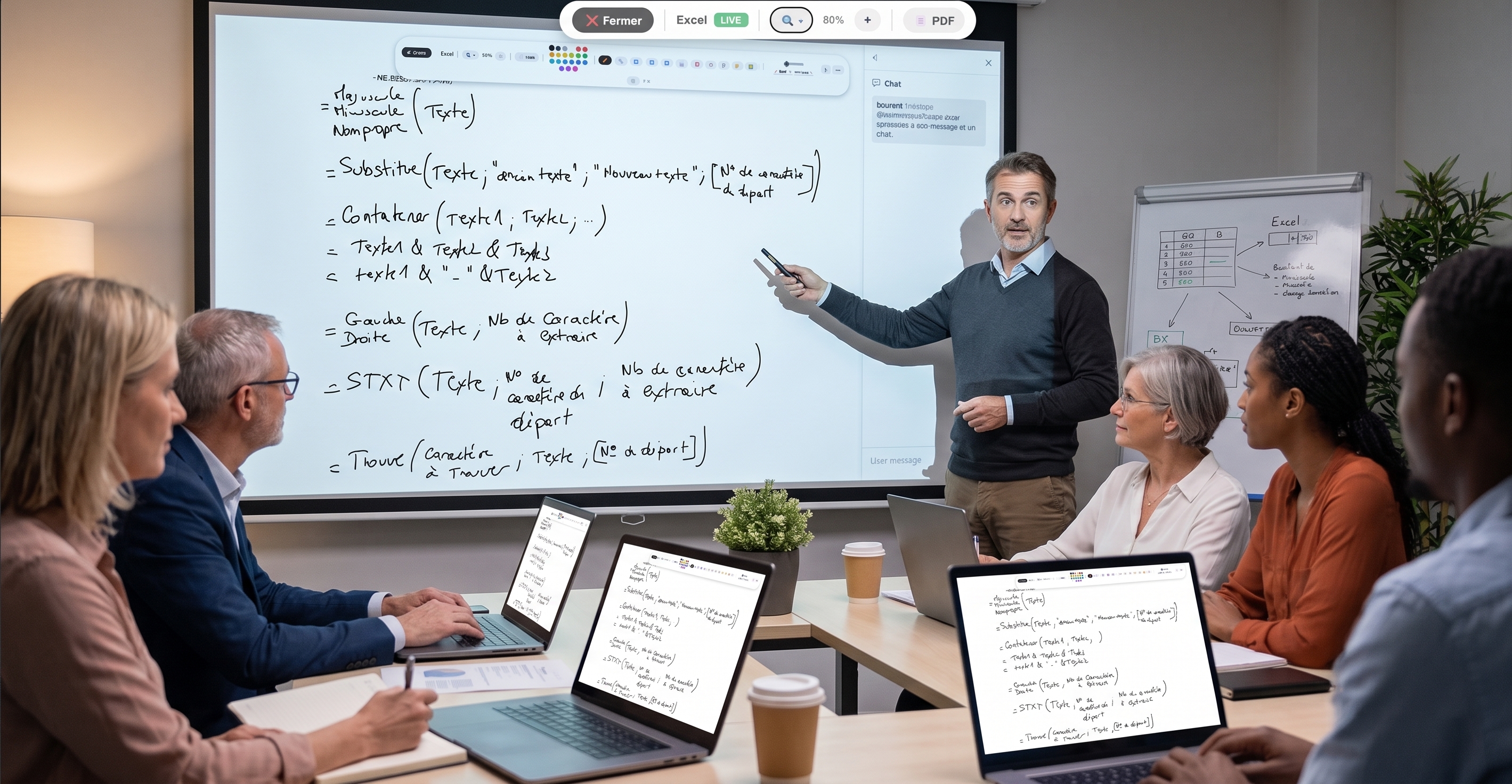


An online whiteboard recreates, in the browser, the free writing surface of a classroom board. Use it to explain a concept, correct an exercise, sketch an idea or draw while you talk — the audience watches everything take shape live.
EduTools' whiteboard is used inside a room: your participants have nothing to install, they follow your annotations in real time from their screen. It's the ideal tool to make an explanation concrete.
You get a pen, shapes (lines, rectangles, arrows), an eraser, a wide choice of colours and a text tool. The board is deliberately larger than the screen: you can extend it in every direction so you never run out of room.
You can also import an image — a diagram, a photo, an exercise — and annotate on top of it. The hand tool lets you move the image and pan around the board without erasing anything.
Pen, shapes, eraser and over 20 colours to explain visually.
Drag an image in or paste it from the clipboard, then annotate over it.
Extend the board in every direction; you never run out of space.
Move images and content with no risk of erasing your work.
Your annotations appear instantly on participants' screens.
Keep several boards per room and pick them up again later.
Create your free account in minutes. No credit card, no install required for your participants.
Get started for free →