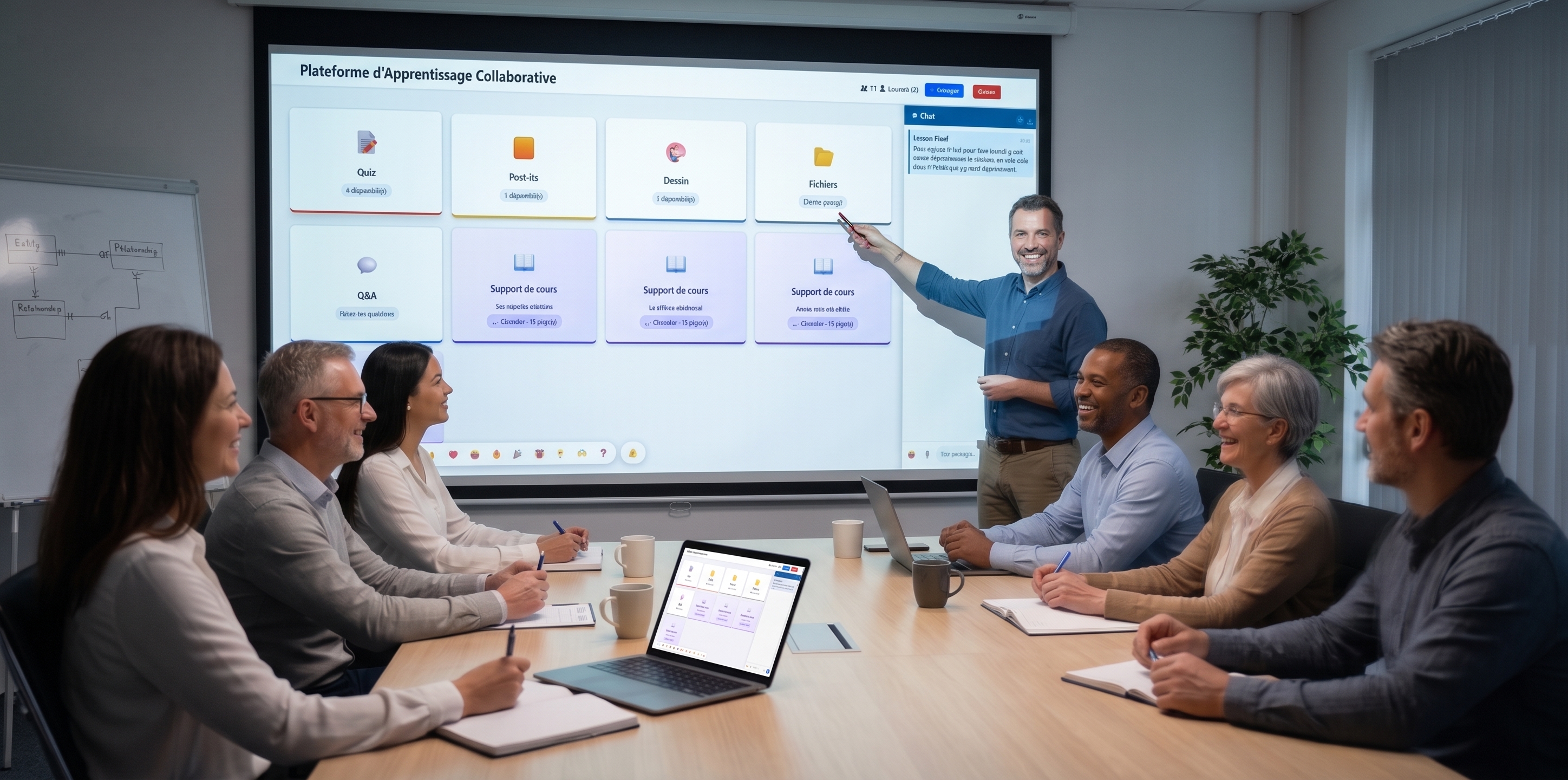
Schools & universities

A pedagogical toolbox to engage your students.

Give your teachers all the interactive tools in a single platform — with nothing for students to install, and no heavy training for your teams.
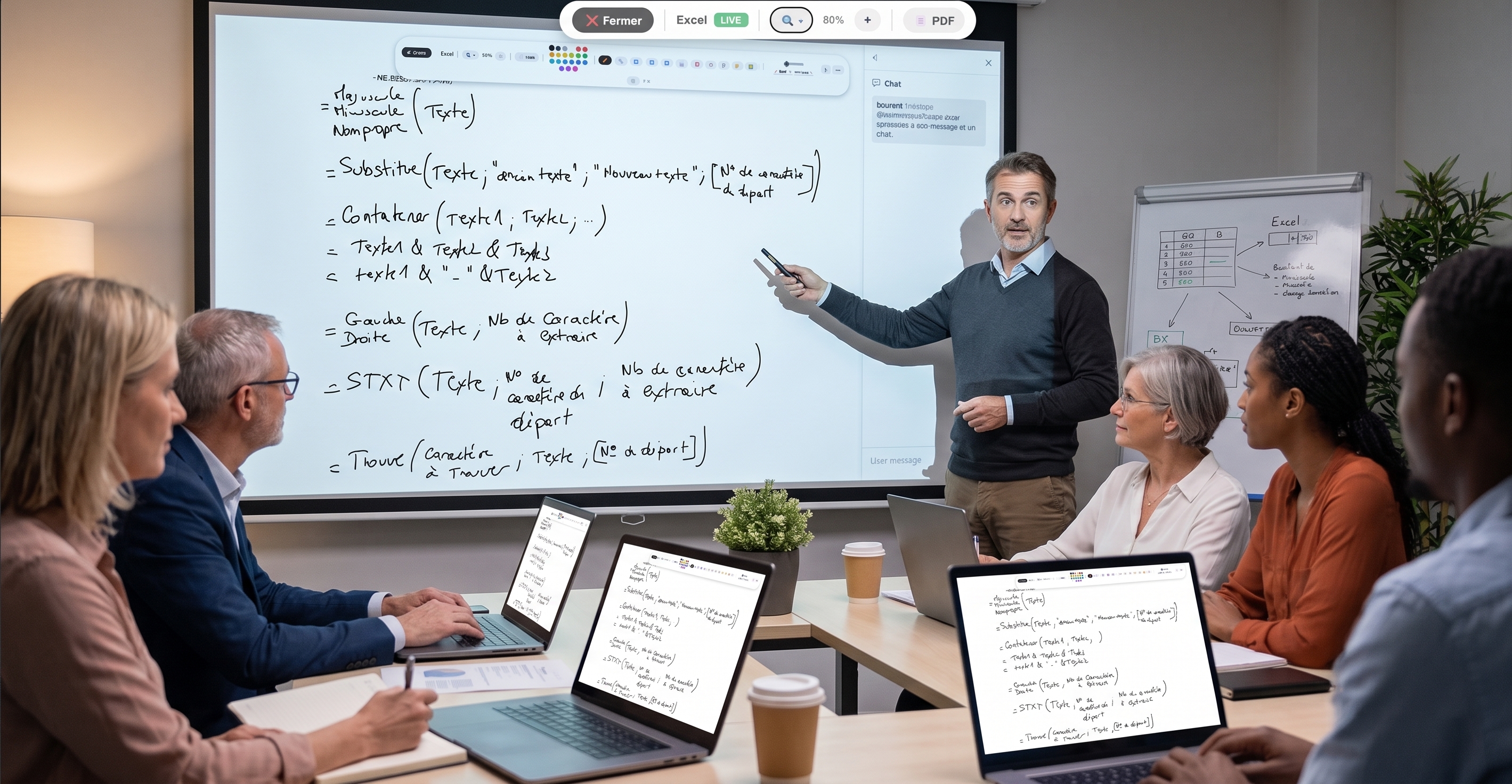

Tools dedicated to teaching

The most useful features for class and autonomous work.

Interactive quizzes

Check learning at each module. Individual tracking per participant.

🧠

Mind maps

Structure lessons as collaborative trees. Visual memorization.

Comprehension meter

Learners silently signal "I follow" or "I'm lost". Live gauge.

🎲

Icebreaker

One-click random draw to start a discussion or pick a spokesperson.

📓

Collaborative notes

Document edited simultaneously. Collective note-taking by learners.

🎨

Whiteboard

Free drawing, shapes, 20+ colors. Ideal for visual explanations.

🎰

Wheel of fortune

Playful random draw to question or pick a volunteer.

☁️

Word cloud

Gather initial perceptions of a topic, live on the projector.

👏

Floating emojis

Live reactions animated on every screen. Engagement without interruption.

📊

Analytics dashboard

Real-time KPIs on engagement, results and cohort progress.

🃏

Flashcards

Two-sided memory cards to reinforce retention between your sessions.

🎮

Live Quiz

Kahoot-style show mode — PIN code, live ranking, final podium.

📋

Shared kanban

To do / In progress / Done. Run your action plans live.

⏱️

Sequence timer

Visible time banner, audible alert. Frame each exercise efficiently.

🏘️

Breakout sessions

Group breakouts with dedicated notepad + chat. Perfect for workshops.

🛣️

Learning paths

Ordered activity sequences (quiz, flashcards, mindmap…). Individual progress tracked.

📜

Sticky-note board

A board where you can drop sticky notes, edit them, copy their content, or export them as PDF or Word.

🎬

Interactive videos

Videos with timed questions — auto-pause, validation required to resume.

📽️

Synchronised slides

PDF presentation with live annotations (shapes, eraser, highlighter). Your audience follows in real time.

📖

Fill-in-the-blank exercises

Self-completion exercises with [keyword] syntax. Instant auto-validation.

📺

Screen sharing

Screen sharing lets the host follow learners as they work (learner consent required, as in a physical room). Learners can revoke access at any time. Sharing is one-to-one between learner and host — other learners see nothing, avoiding any exposure.

🗂️

Question bank

Reuse your questions across multiple courses. Pool them across trainers.

💬

Moderated Q&A

Participants ask written questions and vote for the best ones. Ideal for large sessions.

Flash poll

Take the room's pulse in 10 seconds. Multiple choice, scale, yes/no, free text.

Why schools choose EduTools

Digital tools to make class interactive

Capturing the attention of a whole class is a daily challenge. EduTools' digital tools — quizzes, word cloud, mind maps, whiteboard — turn a lecture into a participatory sequence where each student acts rather than endures. The teacher keeps the lead, the students get involved.

No install is required from students: they join the activity with a code, from the classroom computer, a tablet or their BYOD phone. The platform works equally well with a projector or an interactive whiteboard, from middle school to university.

Assess and engage without leaving anyone behind

The comprehension meter lets shy students signal discreetly that they're falling behind: the teacher adjusts the pace without interrupting the course. The icebreaker and wheel of fortune make questioning fair and take the pressure off speaking up.

On the assessment side, quizzes and fill-in-the-blanks correct themselves and give immediate feedback to the student. You save correction time and get an accurate picture of the class's achievements, student by student.

Choose your plan

Plans tailored for Schools & universities. Upgradable any time.

Free for teachers
Free
No commitment
  • 1 teacher
  • 2 rooms
  • 30 learners / room
  • 5 groups
  • 5 quizzes
  • 1 board
  • 1 sticky-note wall
  • 100 MB storage
Get started for free →
Standard
49.99 €
/ month · 499.99 € /year
  • 15 teachers
  • 15 rooms
  • 40 learners / room
  • 10 groups
  • 10 quizzes
  • 10 boards
  • 10 sticky-note walls
  • 500 MB storage
Choose Standard →
Premium
99.99 €
/ month · 999.99 € /year
  • 50 teachers
  • 50 rooms
  • 50 learners / room
  • 20 groups
  • 50 quizzes
  • 50 boards
  • 50 sticky-note walls
  • 1 GB storage
Choose Premium →

Frequently asked questions

Is EduTools suitable for all school age groups?
Yes. The platform is used from middle school to university. The activities (quizzes, flashcards, mindmap, whiteboards) adapt to the level taught. No account creation is required from students: they join the room with a simple code.
Is student data protected?
Yes. EduTools is hosted in France (OVH) and GDPR-compliant. No student data is resold to third parties. The institution remains responsible for its content and can delete data at any time.
Can multiple teachers share the same institution account?
Yes. The Institution plan lets you create multiple teacher accounts under one admin, with shared question banks and an overall dashboard for management.
Does EduTools work on student tablets or phones?
Yes. The platform is 100% responsive web: it works on computer, tablet and smartphone via the browser, with no install. Ideal for BYOD-equipped classrooms or tablet carts.
Can EduTools replace Pronote or our digital workspace?
No. EduTools is not a school information system. It complements your digital workspace for in-class pedagogical facilitation (quizzes, mind maps, whiteboard, word cloud) — where Pronote, Sacoche or other school admin tools have little or no coverage.
How long does it take to train our teachers on EduTools?
The interface is designed for a 15-minute start: a built-in guided tour walks through the main features on first login. A 30-minute demo is then enough for a teacher to be autonomous on creating a quiz and running a room. French pedagogical support backs your teams at launch.
Is the free plan enough for regular classroom use?
For occasional use by a single teacher, yes. For regular use across multiple classes or several teachers, the Institution plan is more suitable: it lifts caps on rooms, quizzes and storage, and enables question-bank sharing between teachers.
Is EduTools accessible to students with disabilities?
The platform follows web accessibility standards (contrast, keyboard navigation, screen reader support on most activities). Some highly visual activities (mind maps, whiteboard) remain partially accessible; quizzes, polls and flashcards are fully usable via keyboard and screen reader.

The EduTools tools built for you

Click to see in detail how each tool will save you time in your sessions.

Ready to transform your sessions?

Get started in minutes. No credit card for the free plan, no install required for your participants.

Request a demo →