
Add questions directly inside your videos. Playback pauses, the participant answers to continue: no more passive viewing, hello active learning.
Get started for free →
An interactive video is a video with stop points inserted in it: at a given moment, playback pauses and a question appears. The viewer has to answer to resume. The video stops being passive media and becomes an exercise.
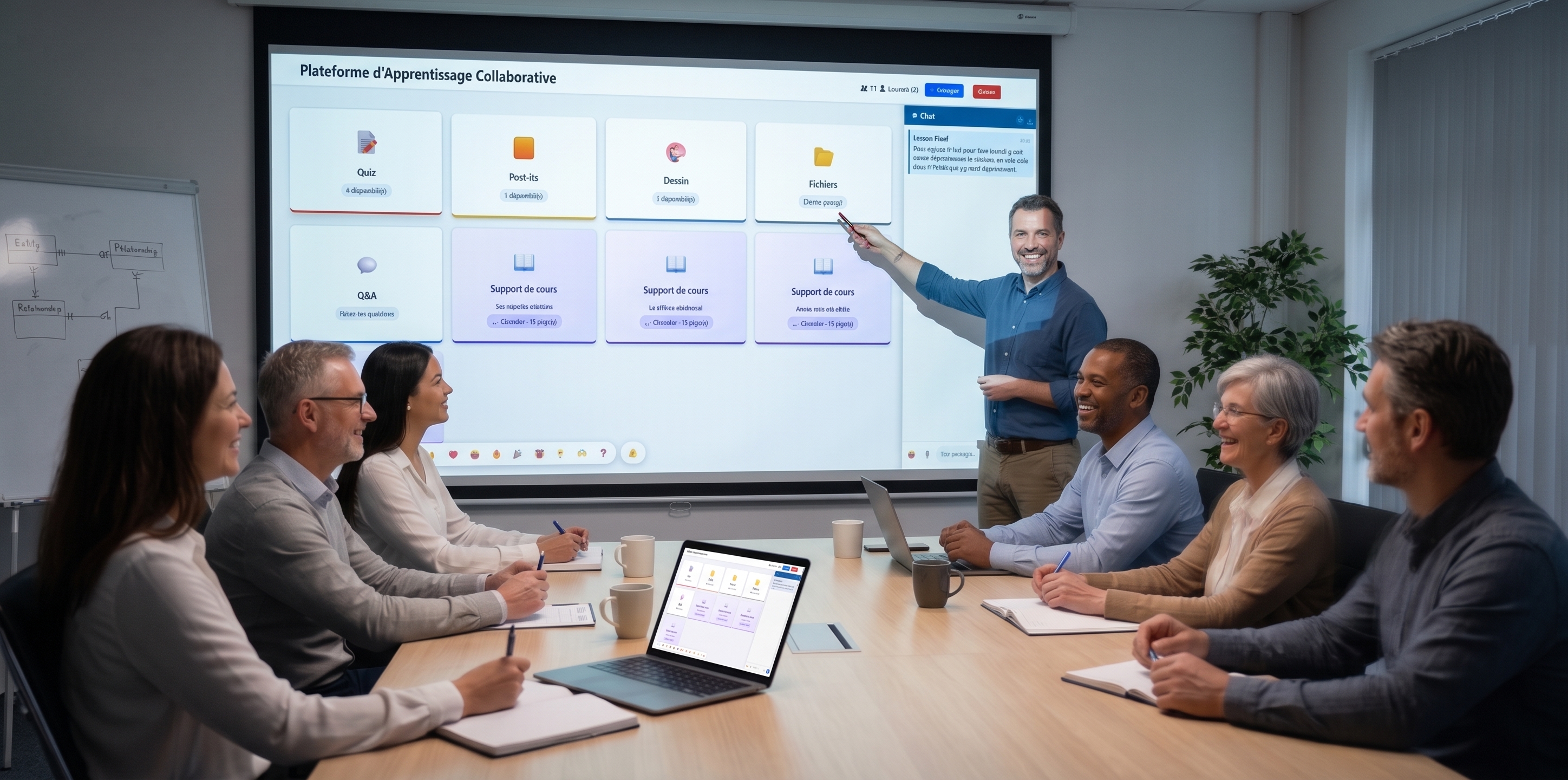
With EduTools, you turn a video into an interactive video: you place your questions on the timeline, and the platform handles the pauses, validation and answer tracking.
In a flipped classroom, the interactive video makes sure the student has actually watched and understood the content before class: their answers tell you what's learned and what isn't. In companies, it makes onboarding and internal training paths more reliable.
Each participant progresses at their own pace, and you get the detail of their answers. The interactive video fits naturally into a learning path alongside quizzes and flashcards.
The video stops on your questions; validation unlocks the rest.
Place your questions at the exact moment that matters.
See what each participant answered, and when.
Passive viewing becomes an exercise that anchors knowledge.
Combine video, quiz and flashcards in a single sequence.
Your learners watch from any browser.
Create your free account in minutes. No credit card, no install required for your participants.
Get started for free →